
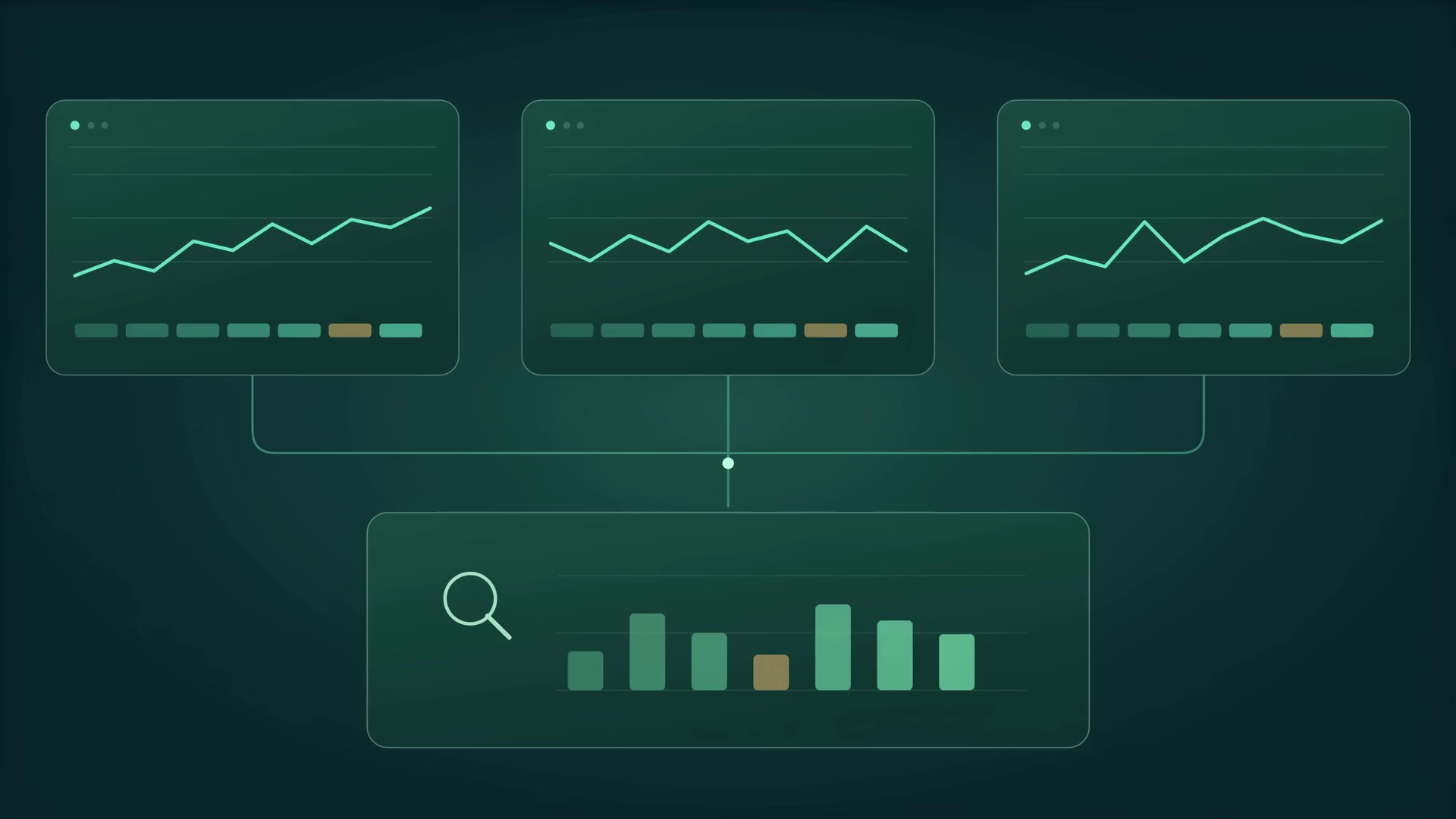
Organization to team
Explore branches, departments, people and devices without relying on disconnected spreadsheets.
 WORKFORCE INTELLIGENCE
Different locations, time zones and working patterns make oversight difficult. Sync brings the organization into one view so managers can investigate where support or a change in workload may help.

Quiet keyboard. Active conversation.
A meeting can be work, even when the keyboard is quiet. Inspect the evidence. Keep the human context.
Follow the signals Interactive product walkthroughSynthetic data
Use flags to open a conversation about workload or changed patterns. Check the data and ask for context before taking action.
Illustrative product experience · example data · no live actions
Change the team and period. Explore the activity behind an AI interpretation and the factors behind its score. Every number here is illustrative.
Interactive product walkthroughSynthetic dataSeven weighted factors
Within available activity
An example coverage indicator
People decide what they mean
Longer focus blocks appear around development tools. Collaboration rises later in the day. Review switching patterns with the team before deciding whether they interrupt useful work.
A seven-day review of available activity. An interpretation to review, not a verdict.Synthetic walkthrough, not employee data. Scores estimate digital activity; they do not establish work quality or make employment decisions.
Use observed patterns to inform staffing and workload discussions, alongside actual output and team feedback.
Use observed patterns to inform staffing and workload discussions, alongside actual output and team feedback.
Explore branches, departments, people and devices without relying on disconnected spreadsheets.
Compare recorded activity with configured work schedules and time zones. Account for approved exceptions before drawing conclusions.
Review repeated late activity, changing idle patterns or shifts in app use. A flag asks for investigation; it does not diagnose a person.
Compare a team with its own earlier periods and review the work involved. Avoid treating different jobs as if they were identical.
Shape access and review around the people who need it. Confirm the exact role permissions and employee-facing experience in your pilot.
Compare branches and departments, inspect changes over time and agree where a closer review will help. Use the activity picture alongside business outcomes.
Start with a question your team needs to answer. These example opportunities are a guide to scoping a pilot, not customer results.
Explore development, design and collaboration patterns. Interpret app changes in the context of the role, not as automatic distraction.
Explore this with our teamThe strongest rollout starts with a shared understanding of what is collected, why it is useful and who can review it.
Agree device scope, working schedules and screenshot settings. Screens and window titles may include visible work content; configure them with care.
Confirm roles, retention and evidence-review controls. Give administrators and employees a clear explanation of the policy in force.
Use flags to open a conversation about workload or changed patterns. Check the data and ask for context before taking action.
Understand application use, active and idle time, focus patterns and the context behind the working day with Block Gemini Sync.
AI summaries and explainable scoresTurn workforce activity into readable AI narratives, role-aware app categories and a transparent seven-factor score with Block Gemini Sync.
Mobile and distributed workforceBring approved Android device activity into a wider workforce view alongside Windows and macOS devices with Block Gemini Sync.
Workforce reports and review packsTurn workforce activity, app usage and period comparisons into focused reviews for operations and leadership with Block Gemini Sync.
Transparent workforce governanceDefine capture boundaries, access, review responsibilities and employee communication before rolling out Block Gemini Sync.
Bring a team, a device mix and the questions you want to answer. We will help scope the setup, policies and review criteria before you expand.
Your selections prepare an editable inquiry. Our team confirms current pricing, device scope and the right next step.
Confirm branches, departments and manager responsibilities.
Configure schedules and local time zones.
Agree how exceptions and employee explanations are reviewed.
Sync is workforce activity intelligence software. It brings device activity, application use, AI summaries and explainable productivity estimates into a reviewable view of the working day. It helps people understand patterns and decide what to investigate.
No. The score is an estimate based on the available digital activity and configured policy. It cannot capture every kind of work or judge someone’s value. Review it alongside output, role context, data coverage and a conversation with the employee.
No. Activity counts are one input. The analysis can also use application and window context, operating-system activity and configured screenshots. Reading and call participation need context; a quiet keyboard alone does not mean no work is happening.
Your organization should explain the purpose, schedules, signals, access and retention before rollout. Input telemetry uses counts rather than typed text. Screenshots and window titles can expose visible work content, so their settings and review permissions need deliberate configuration.
Plan your pilot around supported Windows and macOS desktops and approved company Android devices. Our team will confirm operating-system versions, deployment requirements and the signals available for your device mix.
Yes. Application relevance depends on the job. Sync supports role-aware classification and organization overrides, so the review can distinguish a work tool from a distraction in its proper context.
Start with a conversation about your devices, team structure and the questions you want to answer. We will confirm current pricing, rollout scope, setup support and the pilot criteria before you commit.
No. Everything shown in this website walkthrough is synthetic and illustrative. It demonstrates how a review could work without publishing private employee activity, screenshots or customer results.
Let us explore what your team needs to understand.
Existing customer login