


AI & connected operations
Put your knowledge to work.
Build useful AI into the experiences your customers and employees use. Connect approved knowledge, documents and business context to interfaces designed for the task.
SEE HOW THE TECHNOLOGY WORKS
Your knowledge. A useful answer.
Follow a question from trusted sources to an answer your team can inspect.
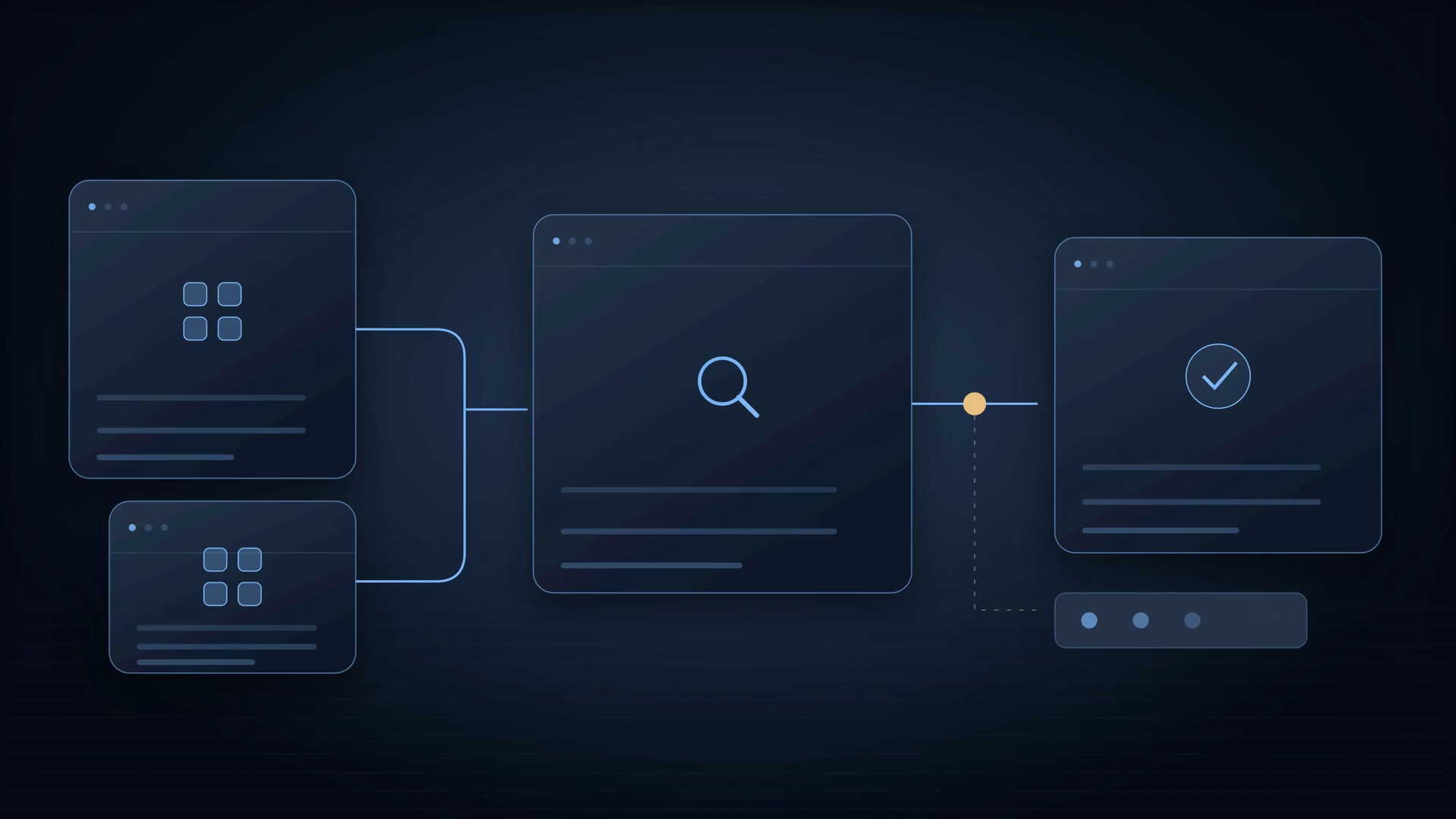
INTERACTIVE WORKFLOWIllustrative engineering scenario
01 / 03
Connect the sources
Select the documents, records and permissions the assistant can use. Freshness and access are part of the design.
Approved documents + access rulesA permission-aware knowledge collection
Read the complete workflow
Connect the sources
Select the documents, records and permissions the assistant can use. Freshness and access are part of the design.
Approved documents + access rules → A permission-aware knowledge collection
Retrieve the evidence
Find relevant passages for the question. Keep the source attached so the answer can be checked.
A customer or employee question → Relevant passages with source references
Answer with context
Present a grounded response, show the sources and hand off when the available evidence is not enough.
Retrieved evidence + conversation context → A reviewable answer and a clear next step
Source-grounded support and product assistance
Document summaries inside your existing workflow
FROM INPUT TO USEFUL OUTPUT
Follow the work. Inspect the result.
Explore a proposed delivery workflow. Each step connects an activity to something your team can review.
WORKFLOW BLUEPRINTIllustrative delivery design
INPUTS TO DEFINE
Approved documents and source owners
User roles and access policies
Representative questions and expected evidence
REVIEWABLE OUTPUT
A governed source and access map
Identify authoritative sources, document owners and access rules. Define how changes, deletions and stale information reach the application.
Reviewed against agreed requirementsWHAT WE DEFINE AND DELIVER
Practical artifacts. A shared definition of done.
The exact scope follows discovery. These are the building blocks we discuss, specify and review together.
- Knowledge assistants, RAG and AI search
- Document extraction, summarisation and review
- Voice, chat and embedded AI experiences
- Source grounding, permissions and output evaluation
HOW THE PIECES CONNECT
Architecture with your operation in mind.
Source ingestion → retrieval/index → permission checks → model response → citations and review. The choice of model, retrieval method and hosting follows quality, privacy and cost requirements.
Designed around real constraints.
- Grounding reduces unsupported answers but does not remove the need for evaluation or review of consequential decisions.
- Existing access rules and source freshness must be preserved; a larger document collection alone does not establish answer quality.
FIND THE RIGHT STARTING POINT
A product where it fits. A custom build where it matters.
Connect knowledge to the task: an internal copilot, customer-facing assistant or AI feature inside an existing application.
Bring your objective and the people it should help. We will shape a first scope and the evidence needed to move forward.
Discuss this projectYour starting point is carried into an editable inquiry. Nothing is booked or provisioned by making this selection.A CLEAR PATH THROUGH DELIVERY
One plan. Visible progress.
A complete build, a focused integration or specialists alongside your team. The engagement follows the scope—not a fixed team template.
- 01
Discover
Define users, the process, constraints and a useful first measure of success.
- 02
Design
Make the interface, architecture, data and integration decisions visible.
- 03
Build & evaluate
Deliver working increments and test the task, permissions and difficult cases.
- 04
Release & evolve
Agree rollout, recovery, handover and the people responsible for ongoing operation.
BEFORE YOU START
Good questions. Clear answers.
Should we use Echo or build a custom assistant?
Echo is a starting point for supported voice and chat workflows. A custom application fits when the interface, source permissions or operating process needs a distinct design.
Can the assistant take actions as well?
Actions are a separate integration scope. We define allowed tools, authorization, approvals and failure handling before connecting the assistant to business updates.
LET’S MAKE THE NEXT STEP USEFUL
Tell us what needs to work better.
Talk with our team
Explore with our AI guide, or reach the people who can scope the work.